

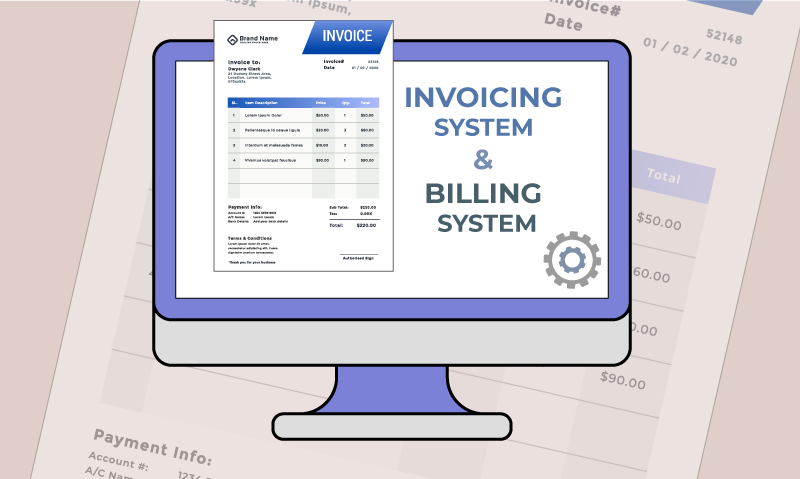
Managing invoices, payments, and subscriptions can sometimes feel confusing. At OacSoft Technologies Ltd / CloudXpert Systems, we use the WHMCS billing system to make everything transparent, automated, and easy for you. Whether you’re new to our platform or just want a refresher, here’s a step-by-step guide to help you understand how it works.
1. Accessing Your Billing Area
Log in to your Client Portal using your registered email and password. From the dashboard, navigate to the Billing or Invoices section. This is your central place for all billing activities.
2. Viewing Your Invoices
In the Invoices tab, you’ll see:
-
Invoice Number – A unique reference for each transaction.
-
Due Date – When payment is expected.
-
Status – Paid, Unpaid, Cancelled, or Refunded.
-
Amount – The total you need to pay.
You can click on any invoice to see the full details.
3. Understanding Invoice Statuses
Here’s what each status means:
-
Unpaid – Payment is still pending.
-
Paid – Payment has been successfully received.
-
Cancelled – The invoice is no longer active (e.g., replaced by another).
-
Refunded – Payment has been returned to you.
4. Making Payments
When an invoice is due, simply click Pay Now. WHMCS supports multiple payment methods such as:
-
Credit/Debit Cards
-
PayPal
-
Bank Transfers (if enabled)
-
Wallet/Account Credit
Choose your preferred method, confirm the payment, and your invoice will automatically be marked as Paid.
5. Automatic Billing & Subscriptions
For recurring services (like hosting or support plans), WHMCS automatically generates invoices before the due date. If you set up automatic payments (via card or PayPal), your subscription will renew without interruption.
Tip: Always make sure your payment method on file is up to date to avoid service suspension.
6. Credit Balance & Overpayments
If you ever overpay or receive a credit, WHMCS automatically adds the balance to your account credit. This credit will be applied to future invoices, saving you time and effort.
7. Downloading Statements & Receipts
Need records for accounting or tax purposes? You can download PDF copies of all invoices and payment receipts directly from your billing area.
Benefits of the WHMCS Billing System
✅ Clear and transparent invoices
✅ Automatic reminders for due payments
✅ Multiple payment options
✅ Easy access to billing history
✅ 24/7 availability through your client portal
Final Thoughts
The WHMCS billing system is designed to keep your payments simple, secure, and hassle-free. By logging into your client area, you can always track your invoices, make payments, and stay updated with your account — all in one place.
At OacSoft Technologies Ltd / CloudXpert Systems, we want billing to be the easiest part of your journey with us.